
Protection · 6 min
Protection for ZEvent: UV, size, insertion
Acrylic protection for ZEvent. ZEvent bumper and FlexLock back. What damages ZEvent cards, what the bumper changes, how to insert it.
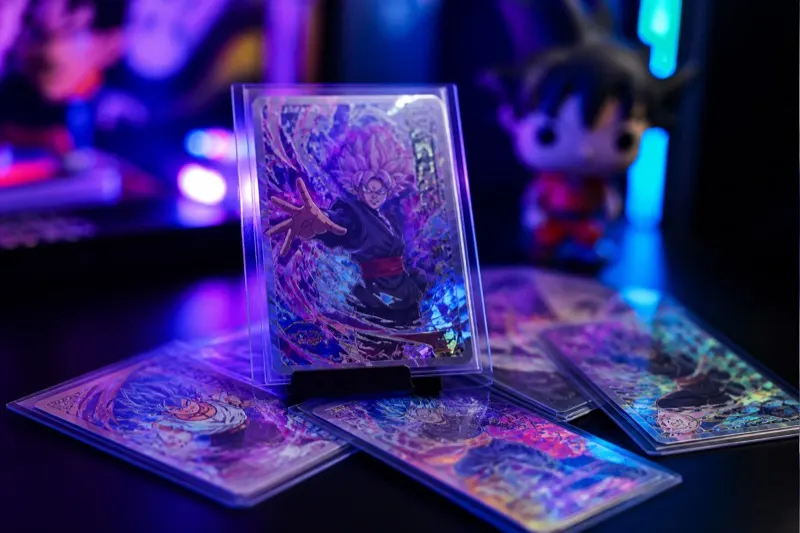
Protection for ZEvent: Numbered or holo ZEvent cards are event pieces: an inner sleeve does not display them. This guide covers the Anzena acrylic layer — not a soft sleeve.
What makes ZEvent cards fragile
Numbered or holo ZEvent cards are event pieces: an inner sleeve does not display them.
Anzena protection blocks UV, handling scratches and dust while keeping ZEvent cards visible.
The real enemies of ZEvent cards
- Cumulative UV
- Finger and drawer scratches
- Humidity haze on optical surfaces
- Wrong size: too much play or too much pressure
Anzena protection
Acrylic bumper in the size of ZEvent cards. FlexLock, engraving, Polaroid lots. Not a one-size accessory.
- Acrylic UV > 96 %
- Millimetre fit — ZEvent bumper and FlexLock back
- Click, no screws
- Made in France
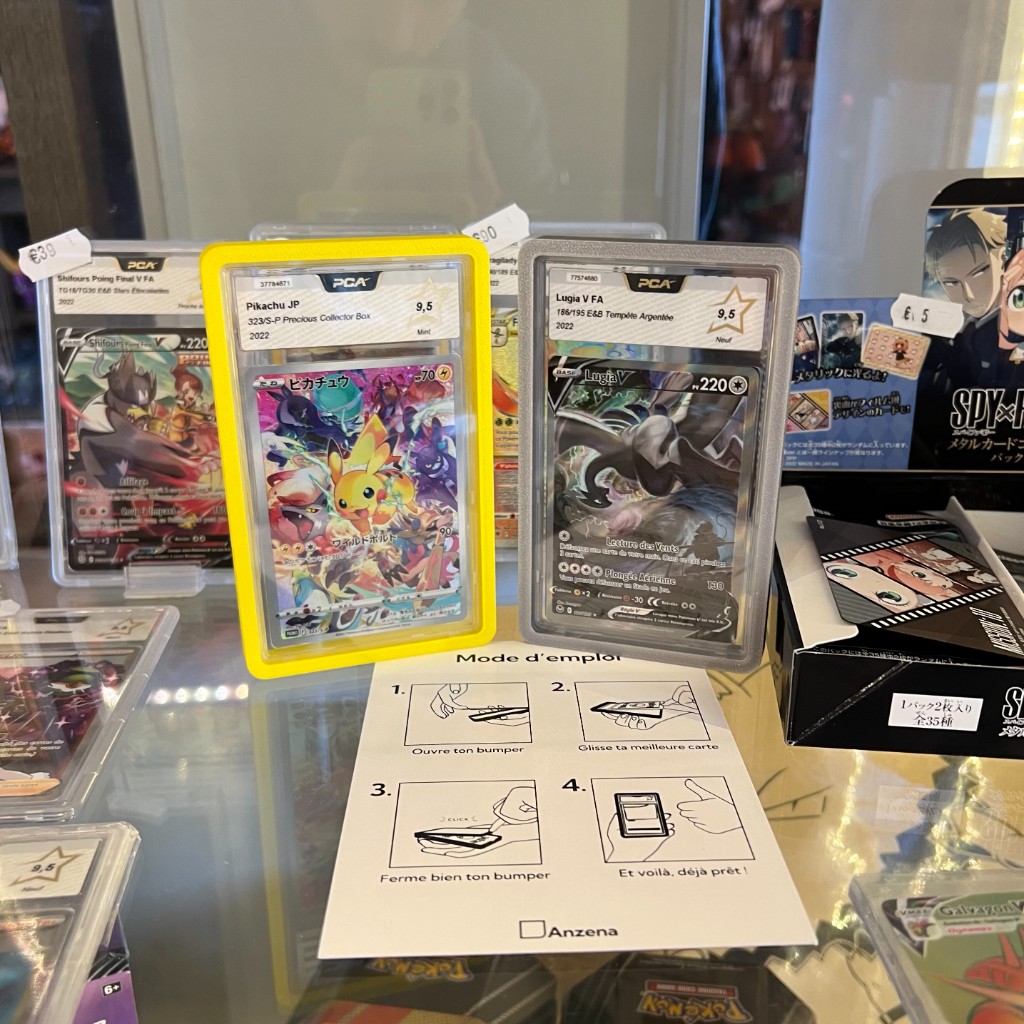
How to protect ZEvent cards in the bumper
The gesture is the same across the catalogue.
- 01Pick the bumper for the exact size.
- 02Open with a click.
- 03Slide ZEvent cards in without forcing.
- 04Close. Check there is no play.
Pick the right protection
Size first: ZEvent bumper and FlexLock back.
FAQ
Is this a soft protector?+
No. Rigid acrylic. Sleeves are not in the catalogue.
Does it filter UV?+
Yes, more than 96 %.
Anzena Club
Get 10% off and atelier drops.
Subscribe: CLUB10 after confirmation, plus bumper & FlexWall releases.
Besoin d’un format précis ?
Décrivez votre pièce — on vous oriente vers le bumper, le FlexWall ou un projet Factory.