
Photo · 9 min
Protecting Polaroid, Instax and photo souvenirs
How instant film works, why sun and fingers kill it, and how the Anzena Instax bumper protects it — insertion included.
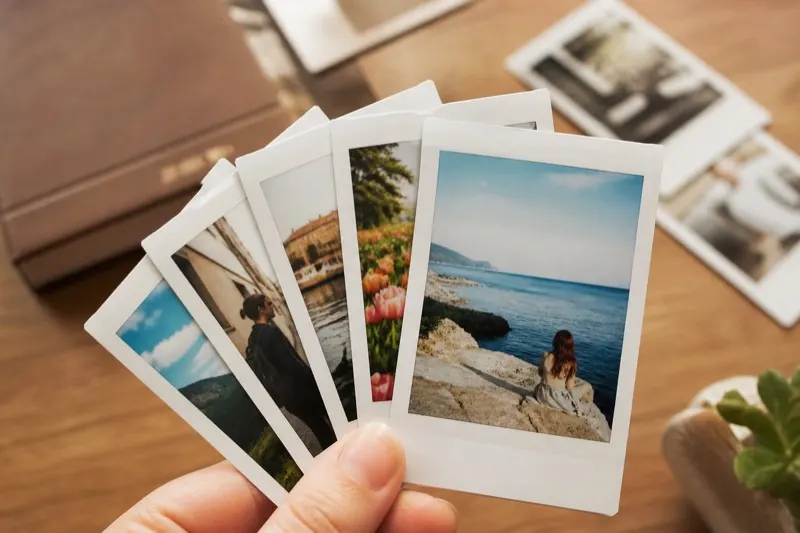
A Polaroid or Instax is not a classic “paper” photo. It is a chemical sandwich: developer layers, dyes, plastic support. The shot keeps living after the click. Light, heat, fingers and time attack it faster than a TCG card.
The technology behind the paper
On an Instax Mini (and on many Polaroid films), the image forms in the film itself. Light-sensitive layers receive the exposure, then a reagent spread by the rollers develops the colours. The white border is not only a frame: it is also the chemistry reserve. The support is not archival: it is made for the immediate souvenir, not for a century in the sun.
The dyes are unstable. UV breaks yellows and magentas. Heat speeds residual reactions (haze, orange cast). Humidity stains. Fingers leave grease that embeds in the semi-gloss surface.
What damages an instant print
- Window sun and UV: fading, yellowing, loss of contrast — often in a few months.
- Fingerprints: permanent halos on the gelatin / varnish.
- Heat (radiator, car, glued spotlight): haze, deformation of the plastic support.
- Scratches and dust: the surface does not have the hardness of acrylic.
- A binder packed too tight or a fridge magnet: pressure, marks, a drop.
Why the Anzena bumper protects
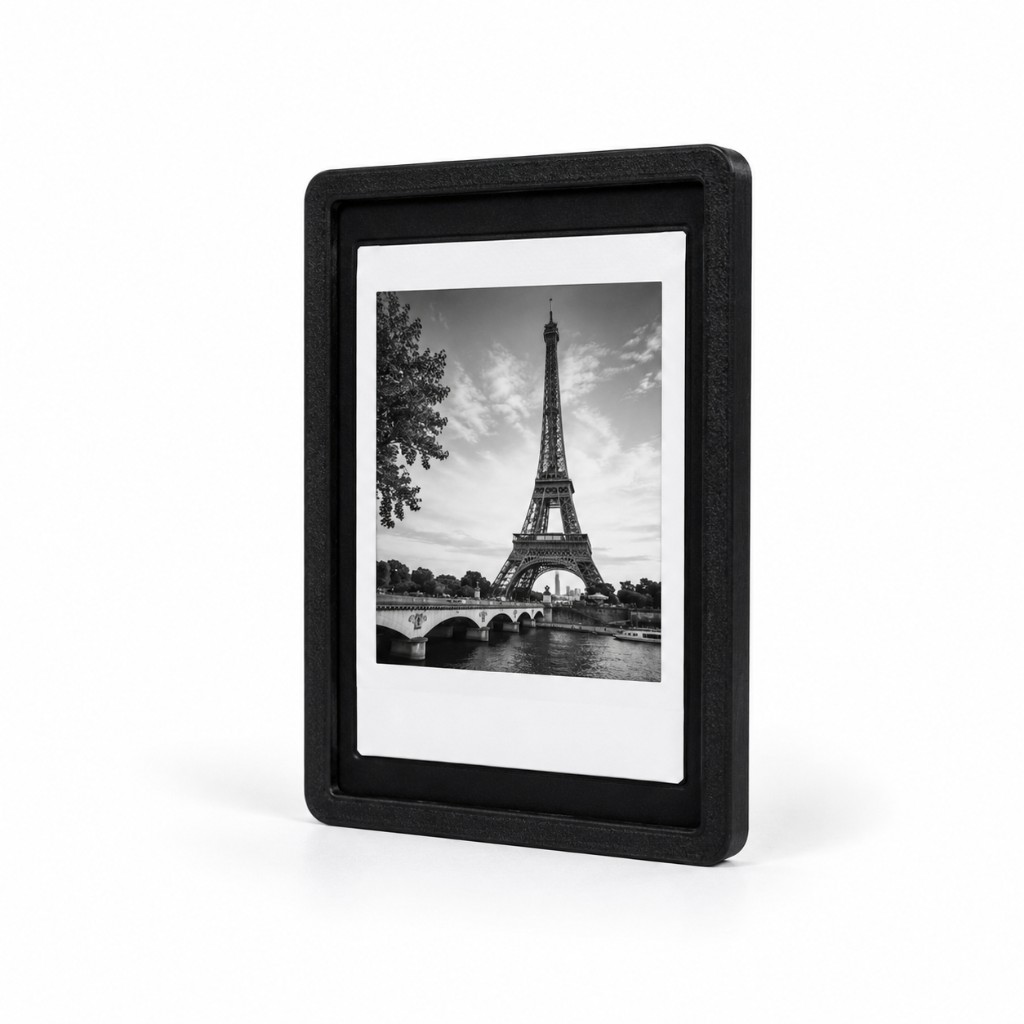
The acrylic pane filters more than 96 % of UV and becomes the only contact with your hands. The frame stops the film folding. On Instax Mini, FlexLock is often included: the souvenir magnetises to the FlexFrame without a pin or tape.
- No more fingers on the photo.
- UV filter +96 %.
- Anti-crease, anti-scratch.
- Magnetic back for the wall, wedding / photobooth lots.
How to insert the photo
Instax Wide, Polaroid i-Type or a format outside Mini / Square: millimetres via the Factory form.
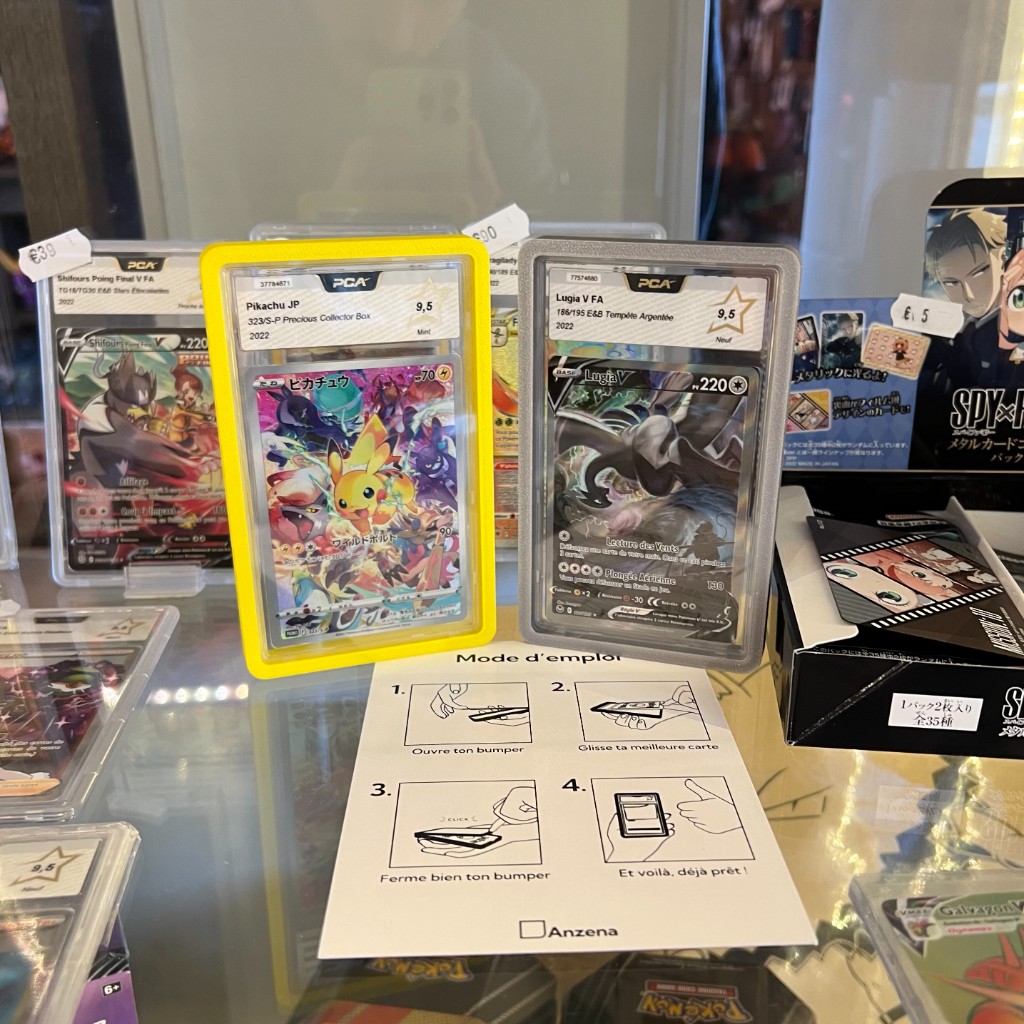
- 01Let the print dry / settle after the shot (do not fold it while still warm).
- 02Open the Instax Mini or Square bumper according to the format.
- 03Slide the photo, image toward the pane, flat in the housing.
- 04Click shut. For the wall: the magnetic back sits on the FlexFrame.
FAQ
Can I engrave an Instax bumper?+
Yes when the product page offers it: laser engraving on the pane, not on the photo.
Is the UV filter enough in a south-facing window?+
No. Place the wall out of raking sun. The bumper slows ageing; it does not cancel it in a UV oven.
Anzena Club
Get 10% off and atelier drops.
Subscribe: CLUB10 after confirmation, plus bumper & FlexWall releases.
Besoin d’un format précis ?
Décrivez votre pièce — on vous oriente vers le bumper, le FlexWall ou un projet Factory.